TiviMate IPTV 2026: The Complete Setup & Review Guide
TiviMate is the most popular IPTV player for Firestick and Android TV in 2026. This complete guide covers installation, configuration, EPG setup, and tips to get the most out of TiviMate IPTV.
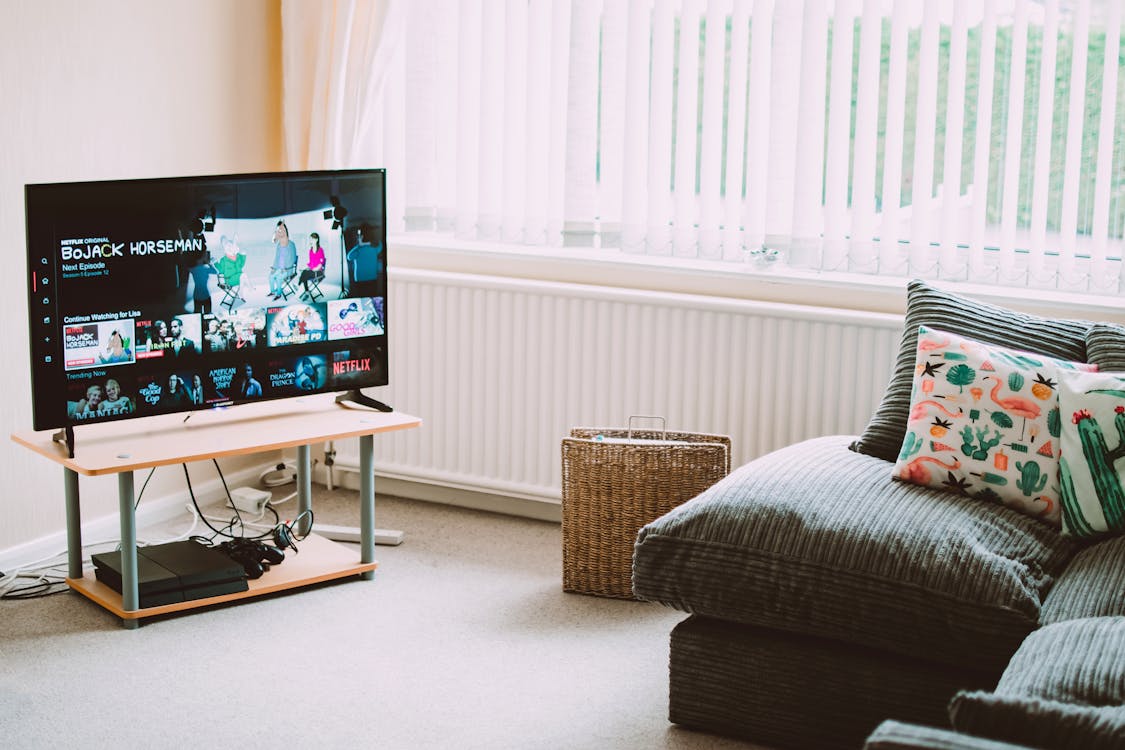
TiviMate IPTV — Why It's the #1 Rated IPTV Player in 2026
TiviMate IPTV has earned the top spot among IPTV players with a consistent 4.8-star rating across app stores and more than 10 million active users worldwide. In 2026, it remains the undisputed choice for anyone running IPTV on a Firestick, Fire TV Cube, or any Android TV device.
What makes TiviMate stand out from every other IPTV player is not any single feature — it is the combination of a genuinely beautiful interface, rock-solid stability, a full-featured EPG, multi-panel channel browsing, picture-in-picture, and support for every IPTV subscription format. Once you use TiviMate, every other IPTV player feels unfinished.
This guide walks you through everything: how to install TiviMate IPTV on every compatible device, how to configure it for the best experience, and how to pair it with a reliable IPTV subscription to get 21,000+ channels in 4K.
TiviMate vs Other IPTV Players: Full Comparison 2026
Before committing to TiviMate IPTV, here is how it compares to the main alternatives:
| App | Platforms | Free Version | Best Feature | Price |
|---|---|---|---|---|
| TiviMate | Firestick, Android TV | Yes (limited) | Best UI + EPG | Free / £4.99/yr |
| IPTV Smarters Pro | Android, iOS, Smart TV | Yes | Cross-platform | Free / £4.99 |
| GSE Smart IPTV | iOS, macOS | Yes | Best for iPhone | Free / £14.99 |
| Perfect Player | Android only | Yes | Advanced users | Free |
| OTT Navigator | Android TV | Yes | Good free option | Free / £6.99 |
TiviMate wins on Firestick and Android TV — it is purpose-built for these platforms and it shows. The interface feels native to Fire TV, the remote control navigation is perfect, and the multi-panel EPG is genuinely the best in the business. If you use any other device (iPhone, Smart TV), IPTV Smarters or GSE Smart IPTV are better suited.
How to Install TiviMate IPTV on Firestick
Installing TiviMate on Firestick requires enabling apps from unknown sources, then installing via Downloader. Here is the exact process:
Step 1 — Enable Unknown Sources
- Go to Settings on your Firestick
- Navigate to My Fire TV → Developer Options
- Enable Apps from Unknown Sources and ADB Debugging
Step 2 — Install Downloader
- From the Firestick home screen, search for "Downloader" in the app store
- Install the official Downloader app by AFTVnews (orange icon)
- Open Downloader and allow storage permissions
Step 3 — Download TiviMate APK
- Open Downloader and enter the TiviMate download URL (search for "TiviMate APK" on tivimate.net)
- Download the APK file
- Install it — tap Install when prompted
Step 4 — Add Your IPTV Subscription
- Open TiviMate and tap Add Playlist
- Choose your login method:
- M3U URL — paste the playlist link from your IPTV provider
- Xtream Codes — enter server URL, username, and password
- Tap Next — TiviMate will load all your channels automatically
Step 5 — Set Up the EPG
- Go to Settings → Playlists → select your playlist
- Enter your EPG URL (provided by your IPTV service)
- Set EPG refresh to every 24 hours
- Tap Update EPG Now — your full TV guide will load in under 2 minutes
How to Install TiviMate on Android TV
TiviMate IPTV is available directly from the Google Play Store on Android TV devices — no sideloading required:
- Open Google Play Store on your Android TV (Sony, Philips, Nvidia Shield, Chromecast with Google TV)
- Search for "TiviMate IPTV Player"
- Click Install — it's free
- Open TiviMate and follow the same setup steps as above (Add Playlist → M3U URL or Xtream Codes)
For Nvidia Shield users: TiviMate runs flawlessly and takes full advantage of the Shield's processing power for 4K HDR streams.
TiviMate Premium: Is the Upgrade Worth It?
TiviMate has a free version and a Premium upgrade at approximately £4.99/year (one of the best value upgrades in streaming software). Here is what Premium adds:
| Feature | Free | Premium |
|---|---|---|
| Number of playlists | 1 | Unlimited |
| Picture-in-Picture | No | Yes |
| Recording | No | Yes |
| Multiple panels | Limited | Full |
| Auto-update playlists | Manual | Automatic |
| Favourites & groups | Basic | Advanced |
| Parental controls | No | Yes |
Verdict: If you use TiviMate as your primary IPTV player, the Premium upgrade is absolutely worth the £4.99/year. The picture-in-picture mode alone — watching a channel while browsing — is worth the cost.
TiviMate Configuration Tips for the Best Experience
Once installed, these settings make a significant difference to your TiviMate IPTV experience:
Best Video Player Settings
TiviMate supports three video decoders:
- Hardware (HW) — uses your device's GPU; best for 4K and HDR content
- Software (SW) — uses CPU; useful as a fallback for problematic streams
- ExoPlayer — good balance for mixed SD/HD/4K channel lists
For Firestick 4K Max and Android TV boxes, set to Hardware (HW) and enable HW+ acceleration for the smoothest 4K streams.
EPG Setup for UK Channels
For a complete UK TV guide in TiviMate:
- Request your EPG URL from your IPTV provider
- Set EPG refresh interval to 12 hours
- Enable Time Shift if your provider supports it — this allows pausing and rewinding live TV
Channel Groups & Favourites
TiviMate's group management is excellent:
- Hide groups you don't watch (foreign language channels you never use)
- Create a Favourites group with your top 20 channels
- Use Recent Channels for quick access to what you watch most
Frequently Asked Questions: TiviMate IPTV
Q: Is TiviMate free? A: Yes. TiviMate has a fully functional free version. The Premium upgrade (£4.99/year) adds picture-in-picture, recording, unlimited playlists, and auto-updates. Most users start free and upgrade once they see how good the app is.
Q: Does TiviMate work on Firestick? A: Yes, TiviMate is arguably the best IPTV player on Firestick. It requires sideloading via the Downloader app (since it's not in the Amazon Appstore), but the process takes under 5 minutes. Alternatively, get it directly from Google Play on any Android TV device.
Q: Can I use TiviMate with any IPTV provider? A: Yes. TiviMate supports M3U playlists and Xtream Codes API — the two formats used by virtually all IPTV providers. As long as your provider gives you one of these, TiviMate will work with it.
Q: How do I fix buffering in TiviMate? A: First, switch the video decoder to HW (Hardware) in TiviMate settings. Then ensure your internet connection is at least 10 Mbps for HD and 25 Mbps for 4K. Using a wired ethernet connection instead of WiFi eliminates most buffering issues. If the issue persists, contact your IPTV provider — server quality varies significantly between providers.
Q: Does TiviMate support 4K? A: Yes. TiviMate handles 4K HDR streams exceptionally well, particularly on Firestick 4K Max and Nvidia Shield. Enable Hardware decoding in settings for the best 4K performance.
Q: What IPTV subscription works best with TiviMate? A: Any IPTV subscription that provides M3U or Xtream Codes credentials will work. IPTV Trends offers 21,000+ channels and 65,000 VOD titles fully compatible with TiviMate — contact us via WhatsApp for a free 24-hour trial.
Related Articles
- Best IPTV Service 2026: Top Providers Ranked — find the right subscription to pair with TiviMate
- IPTV Smarters 2026: Complete Setup Guide — the best alternative for iPhone and Smart TV
- IPTV for Firestick 2026: Complete Guide — everything about IPTV on Amazon Fire TV
- 4K IPTV: What You Need for Ultra HD Streaming — hardware and internet requirements for 4K
- What Is IPTV? The Complete Guide — how IPTV technology works
Ready to Start Streaming?
Get instant access to 21,000+ channels and 65,000+ movies in 4K UHD.
Get Your Free 24h Trial