IPTV for Smart TV 2026: Complete Setup Guide for All Brands
Learn how to set up IPTV on any Smart TV in 2026. Step-by-step guide for Samsung, LG, Sony, and Hisense — best apps, Xtream Codes setup, and EPG configuration with IPTV Trends.
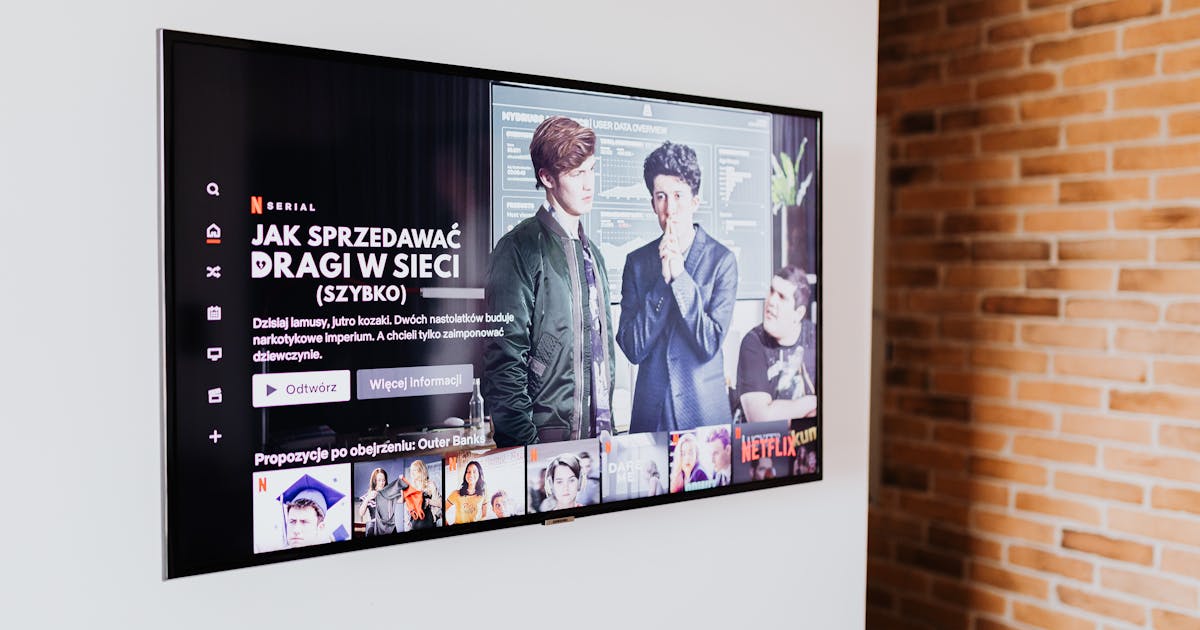
IPTV for Smart TV — Stream 21,000+ Channels on the TV You Already Own
The best IPTV setup is the one that works on the screen already in your living room. In 2026, nearly every Smart TV on the market — Samsung, LG, Sony, Philips, Hisense, TCL — supports IPTV through dedicated apps or the Google Play Store. No new hardware. No additional devices. Just your existing Smart TV and an IPTV subscription.
IPTV Trends offers over 21,000 live channels, 65,000 movies and series, and 4K UHD quality on every plan. Setup on any Smart TV takes under 10 minutes. A free 24-hour trial is available via WhatsApp before you commit.
Why Smart TV Is the Best Way to Watch IPTV in 2026
| Feature | Smart TV + IPTV Trends | Cable TV | Satellite |
|---|---|---|---|
| Monthly cost | From $5.42/mo | $80–$150/mo | $60–$100/mo |
| Live channels | 21,000+ | 200–500 | 200–400 |
| 4K quality | Included | Extra cost | Limited |
| VOD library | 65,000+ titles | Very limited | Limited |
| Installation required | None | Technician visit | Dish installation |
| Contract | None | 12–24 months | 12–24 months |
| International channels | 50+ countries | Very limited | Limited |
How to Set Up IPTV on Your Smart TV — By Brand
Samsung Smart TV (Tizen OS)
Samsung's Tizen platform requires a compatible IPTV app since TiviMate is not available on Tizen. The best options are:
Option 1 — Smart IPTV (SIPTV)
- Open Samsung App Store on your TV
- Search for "Smart IPTV" and install it
- Note the MAC address shown on screen
- Visit siptv.eu/mylist on a PC and enter the MAC address to upload your M3U URL
- Restart Smart IPTV — your channels load automatically
Option 2 — SSIPTV
- Install SSIPTV from Samsung App Store
- Open → Settings → Playlists → Add new → Xtream Codes
- Enter your Server URL, username, and password from IPTV Trends
- Wait for channels to load
LG Smart TV (webOS)
- Open LG Content Store
- Search for "IPTV Smarters" or "GSE Smart IPTV"
- Install and open the app
- Select Add Xtream Codes and enter your IPTV Trends credentials
- Channels and EPG load automatically
Sony / Philips / TCL Android TV
Android TV has the widest app support — TiviMate is available directly from Google Play:
- Open Google Play Store on your Android TV
- Search for "TiviMate IPTV Player" and install
- Open TiviMate → + → Add Playlist → Xtream Codes API
- Enter Server URL, username, and password
- Your full channel list loads in 30–60 seconds
Hisense VIDAA TV
- Open Hisense App Store
- Search for "IPTV Smarters Pro"
- Install and configure with Xtream Codes login
Getting Your IPTV Trends Credentials
Before setting up on your Smart TV, get your IPTV Trends subscription:
- Contact IPTV Trends via WhatsApp — request a free 24-hour trial (no credit card required)
- Receive your credentials — Server URL, username, and password sent within minutes
- Choose your plan — from $19.99/month to $5.42/month on the 24-month plan
| Plan | Total Price | Monthly Rate |
|---|---|---|
| 1 Month | $19.99 | $19.99 |
| 3 Months | $39.99 | $13.33 |
| 6 Months | $55.99 | $9.33 |
| 12 Months | $79.99 | $6.67 |
| 24 Months | $129.99 | $5.42 |
Setting Up EPG on Your Smart TV
EPG (Electronic Programme Guide) shows what's on every channel — past, present, and upcoming. To activate:
- TiviMate: Settings → Playlists → EPG Sources → paste the EPG URL from IPTV Trends
- Smart IPTV: Add your EPG URL in the playlist settings on siptv.eu
- IPTV Smarters: Settings → EPG → Add EPG URL
- GSE Smart IPTV: Settings → Playlist → EPG Url → paste and refresh
A full 7-day EPG guide loads for all 21,000+ channels within a few minutes.
Troubleshooting IPTV on Smart TV
Channels not loading: Verify your Xtream Codes credentials are entered correctly. Copy and paste from the message you received — don't retype manually. Check that your internet connection is active.
Buffering during live sports: Test your internet speed (minimum 25 Mbps for 4K). Switch from Wi-Fi to Ethernet if possible. IPTV Trends' Anti-Freeze v10 Engine handles most buffering automatically, but a weak Wi-Fi signal can override it.
EPG not showing: Refresh the EPG source in your app settings. EPG can take 3–5 minutes to fully load after first launch. Make sure the correct EPG URL was entered.
Useful resources:
- TiviMate — best IPTV player for Android TV
- IPTV Smarters Pro — works on LG, Samsung, Android TV
- VLC Media Player — free desktop option
- Apollo Groups IPTV — alternative global IPTV provider
Frequently Asked Questions: IPTV for Smart TV
Q: Does IPTV work on all Smart TV brands? A: Yes. Samsung (Tizen), LG (webOS), Sony/Philips/TCL (Android TV), Hisense (VIDAA), and Panasonic all support IPTV through compatible apps available in their respective app stores.
Q: Do I need a separate device like a Firestick? A: No. If your Smart TV supports IPTV apps (all 2016+ Smart TVs do), you don't need any extra hardware. Your TV handles everything directly.
Q: What internet speed do I need for IPTV on Smart TV? A: Minimum 10 Mbps for HD, 25 Mbps for 4K UHD. Most home broadband connections exceed this. Ethernet is preferred over Wi-Fi for live sports.
Q: Is there a free trial before I subscribe? A: Yes. IPTV Trends offers a free 24-hour trial via WhatsApp — no credit card, no commitment. Contact the team and you'll be watching within minutes.
Q: How many devices can I use simultaneously? A: Standard plans support one simultaneous connection. Multi-connection plans are available for households that need more than one screen active at once.
Conclusion
Setting up IPTV for Smart TV in 2026 is straightforward regardless of the brand you own. Samsung, LG, Sony, and all Android TV devices have app store support for quality IPTV players. Combined with IPTV Trends — 21,000+ channels, 65,000 VOD titles, Anti-Freeze v10 technology, and 4K quality from $5.42/month — your Smart TV becomes the most complete entertainment system available.
Start with the free 24-hour trial. Message IPTV Trends on WhatsApp and you'll be streaming in minutes.
Ready to Start Streaming?
Get instant access to 21,000+ channels and 65,000+ movies in 4K UHD.
Get Your Free 24h Trial